Developers
API-first, Git sync, Developer mode.
Self-hosted and extensible. Project Git sync, Developer mode, and a readable PHP/JS core — if you can read the code, you can extend Birkly.
Business owners
Your content and data stay yours — run Birkly on your own server or any host you choose, and leave whenever you like.
Every one of them opens the same instance. See what each one actually gets →
from 'birkly' get 'the model' limit 3
If you understand collections, entries and fetching, you understand Birkly. So does your AI.
01
A collection is a schema — fields, types, relationships. Set it once in the admin, and every entry inherits it.
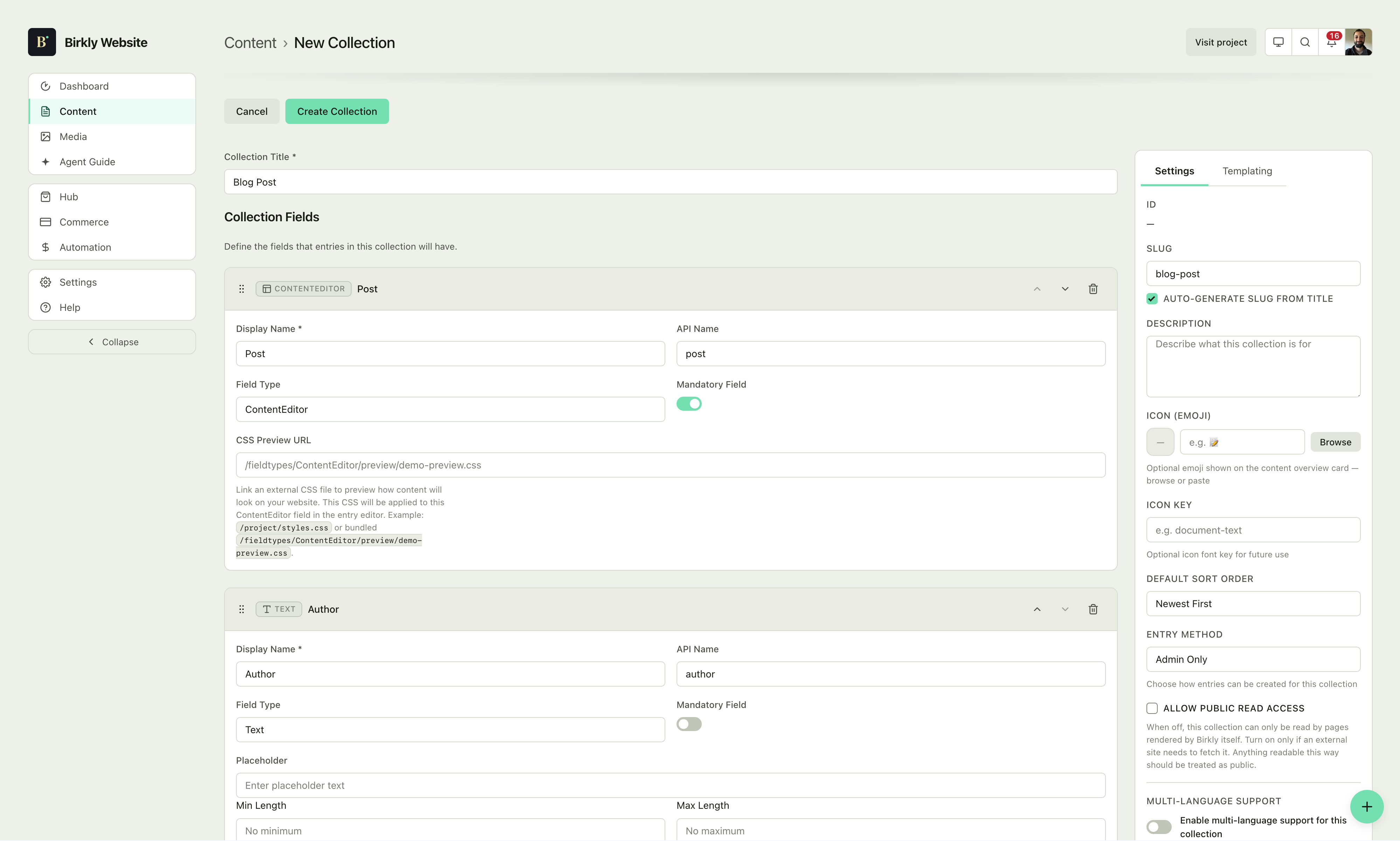
Creating a collection in the schema editor.
02
An entry is just data in that shape — write it by hand in the admin, or push it in from anywhere with the API.
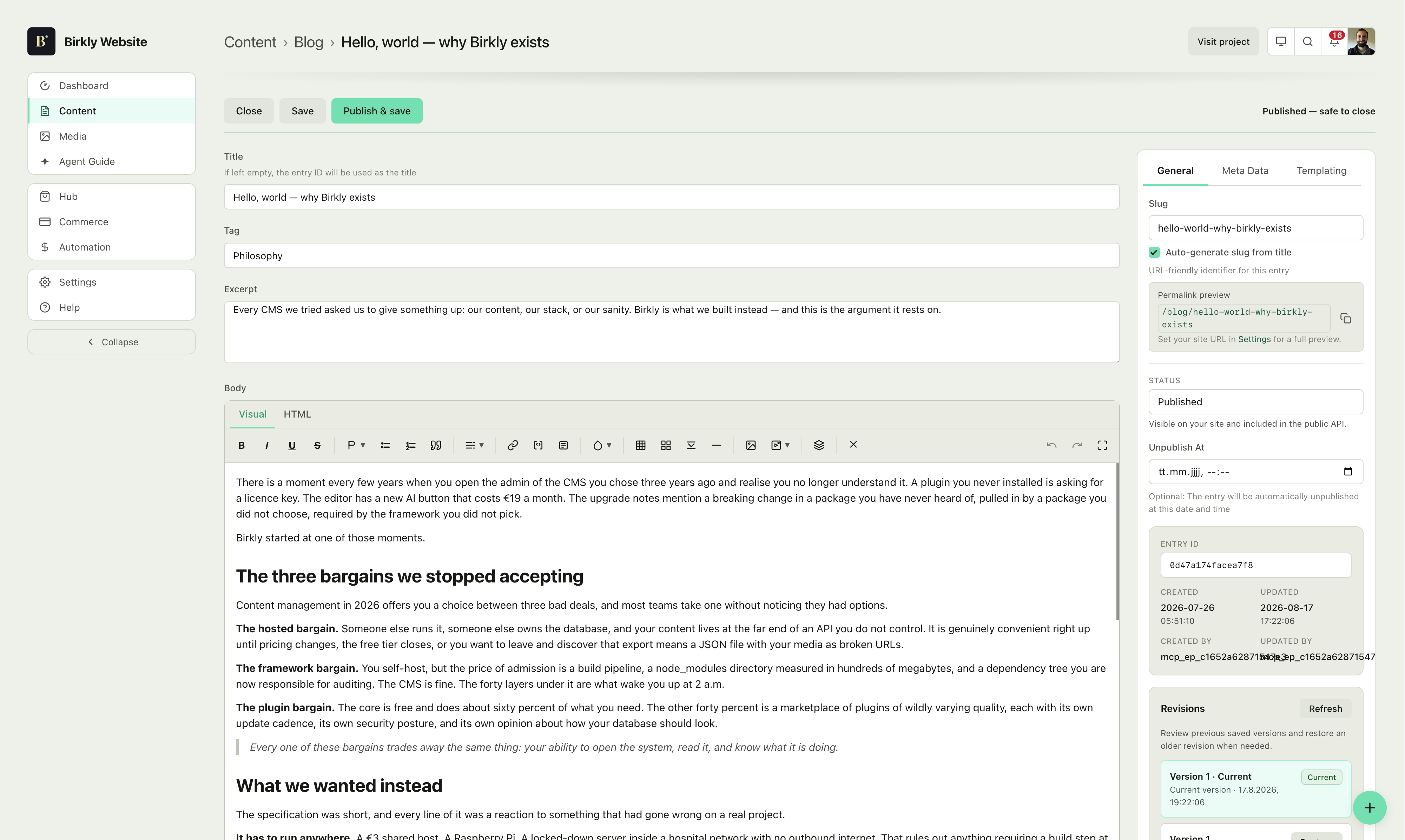
Creating an entry in the admin.
03
A template pulls entries straight into HTML with a few lines of markup — no build step, no regeneration, no waiting.
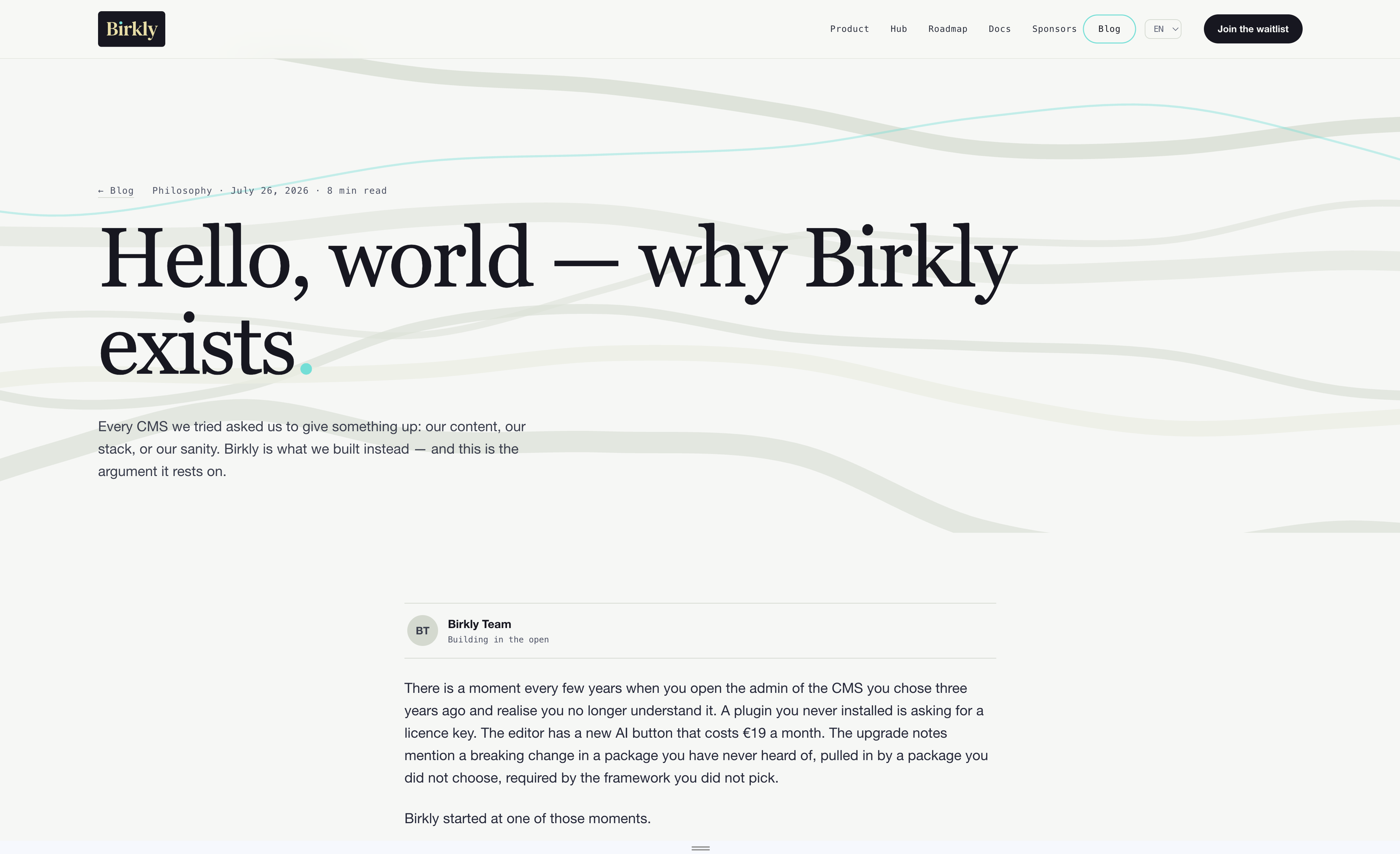
Pulling entries into a page via the API.
for each entry in 'shapes' ordered by ambition
Collections, entries and fields are the only primitives. What you build with them is a matter of arrangement — not of picking a different product.
Projects reference clients, clients reference projects, media lives in one library both can pull from. Multi-language is a field, not a rebuild — the same project entry serves every locale you publish in.
Needs: core only
collections/
4 collections · multi-language ready
One posts collection: an editor field for the body, a tag field for categorization, and a select field for the author. One blog-post.html serves every entry you will ever publish. This is the smallest useful Birkly site, and nothing about it is a starter kit you outgrow — it is the same engine the rest of this list runs on.
Needs: core only
collections/
1 collection · 1 template · no plugins
Sections is the only top-level collection you need: articles nest inside each section as a sub-collection, and versions nest one level deeper inside each article. FAQ stays a separate, flat collection, since its questions don't belong under any one section. Agent Guide then exposes the whole tree as grounded context, so an AI answering questions about your product reads your actual docs instead of guessing.
Needs: core only — Agent Guide is built in
collections/
2 collections · nested · MCP-readable
One products collection, each entry carrying a Commerce field for pricing, fulfillment and purchase options. Add a variants sub-collection for sizes or colors if you need them. Commerce itself manages the cart, Stripe checkout, subscriptions, orders and customers — there is no separate collection to build for any of that.
Needs: core + Commerce
collections/
1 collection · 1 plugin · checkout included
window.BIRKLY_WEBMCP_CONFIG = {"enabled":true,"tools":["birkly_get_page_context","birkly_list_published_entries","birkly_get_published_entry","birkly_describe_form","birkly_submit_public_form","birkly_set_language","birkly_commerce_get_cart","birkly_commerce_add_to_cart","birkly_commerce_checkout"],"form_allowlist":["partnerships","alpha-waitlist"],"runtime_packs":[{"pack":"commerce","tools":["birkly_commerce_get_cart","birkly_commerce_add_to_cart","birkly_commerce_checkout"],"global":"BirklyCommerce","surface":"[data-birkly-commerce], [data-birkly-cart]"}]};